Playhouse
Oliver — 29 steps
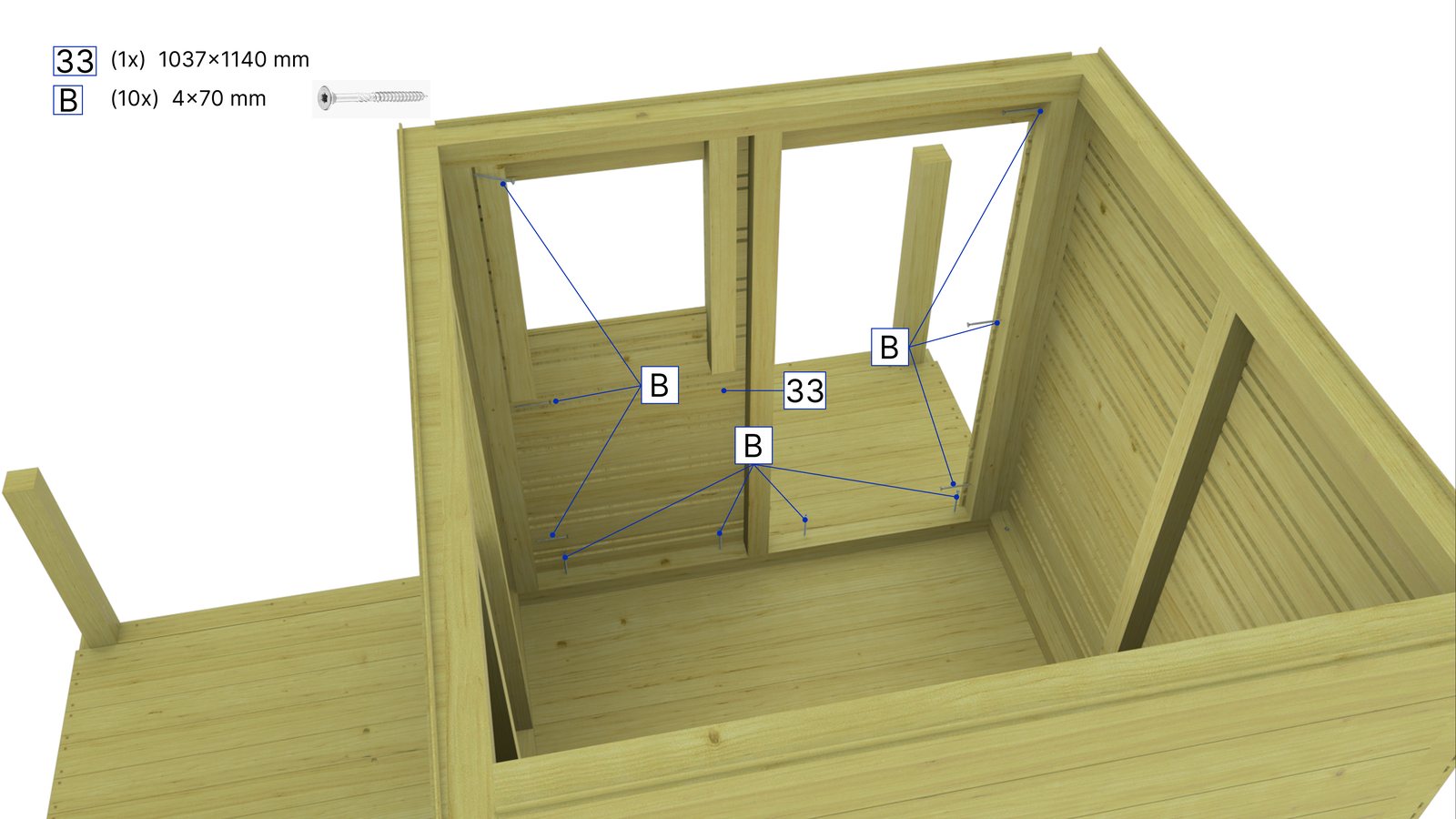
Every step with its own parts and fasteners.
Step by step: which parts, where they go, how they connect and what fastens them. Every step is drawn from the 3D model, so the parts and numbers match the production drawings — and the manual ends with a safety zone plan where the product needs one.
Every step with its own parts and fasteners, shown from the angle the installer needs.
The same numbering as on the production drawings and the parts list.
Which screw, bolt or bracket goes where — shown, not described.
The clear area around the product as a plan at the end of the manual, for playground equipment and similar products.
From the same model: an assembly animation for the product page, or a training game for installers.
You send a 3D model, production drawings or photos of the product with dimensions.
We split the assembly into steps, check the order and agree on the layout and language.
You get a print-ready PDF manual. Updates are easy, because the steps come from the model.
Every step with its own parts and fasteners.
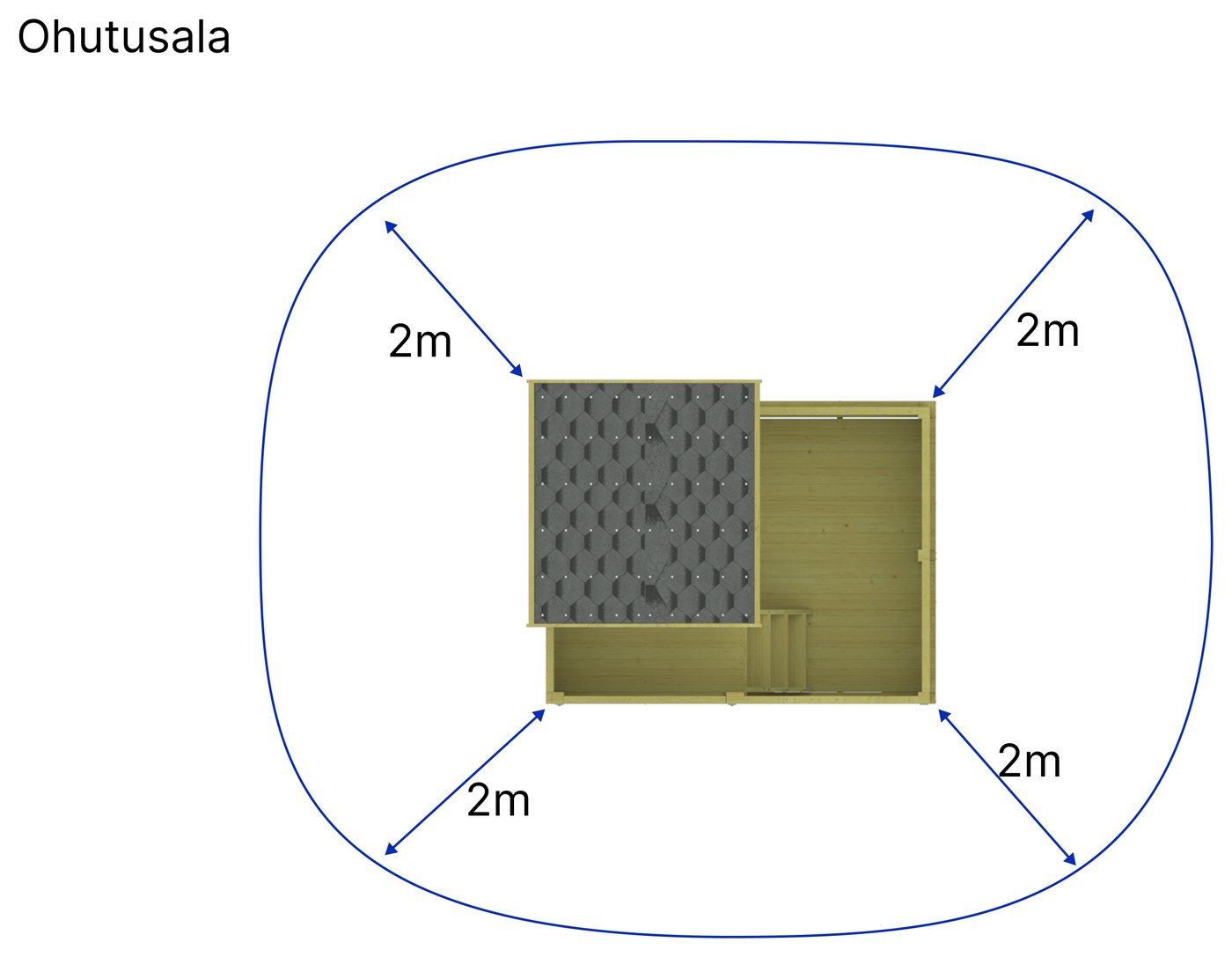
The clear area around the product — as a plan at the end of the manual.
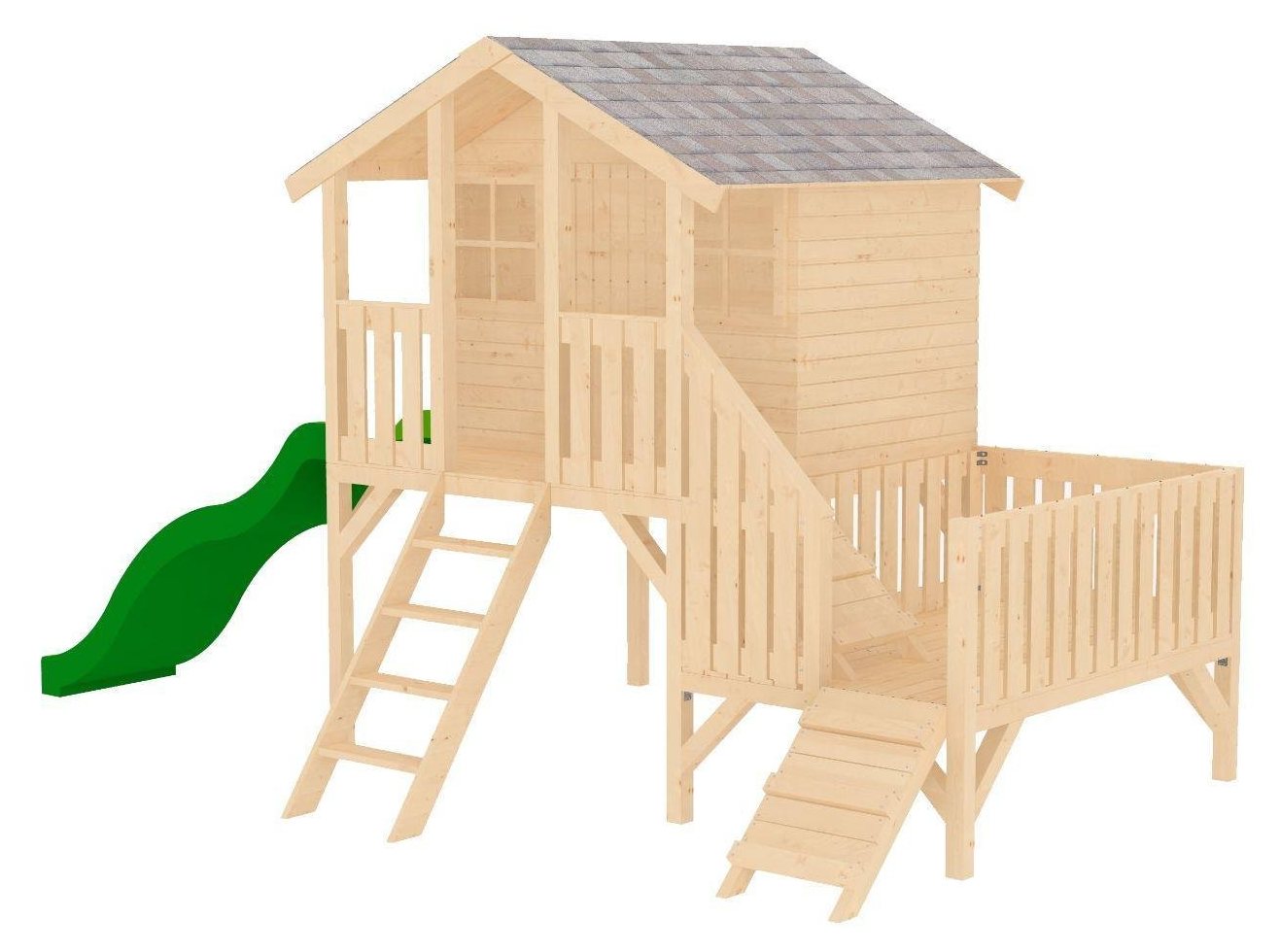
A 13-page installation manual.
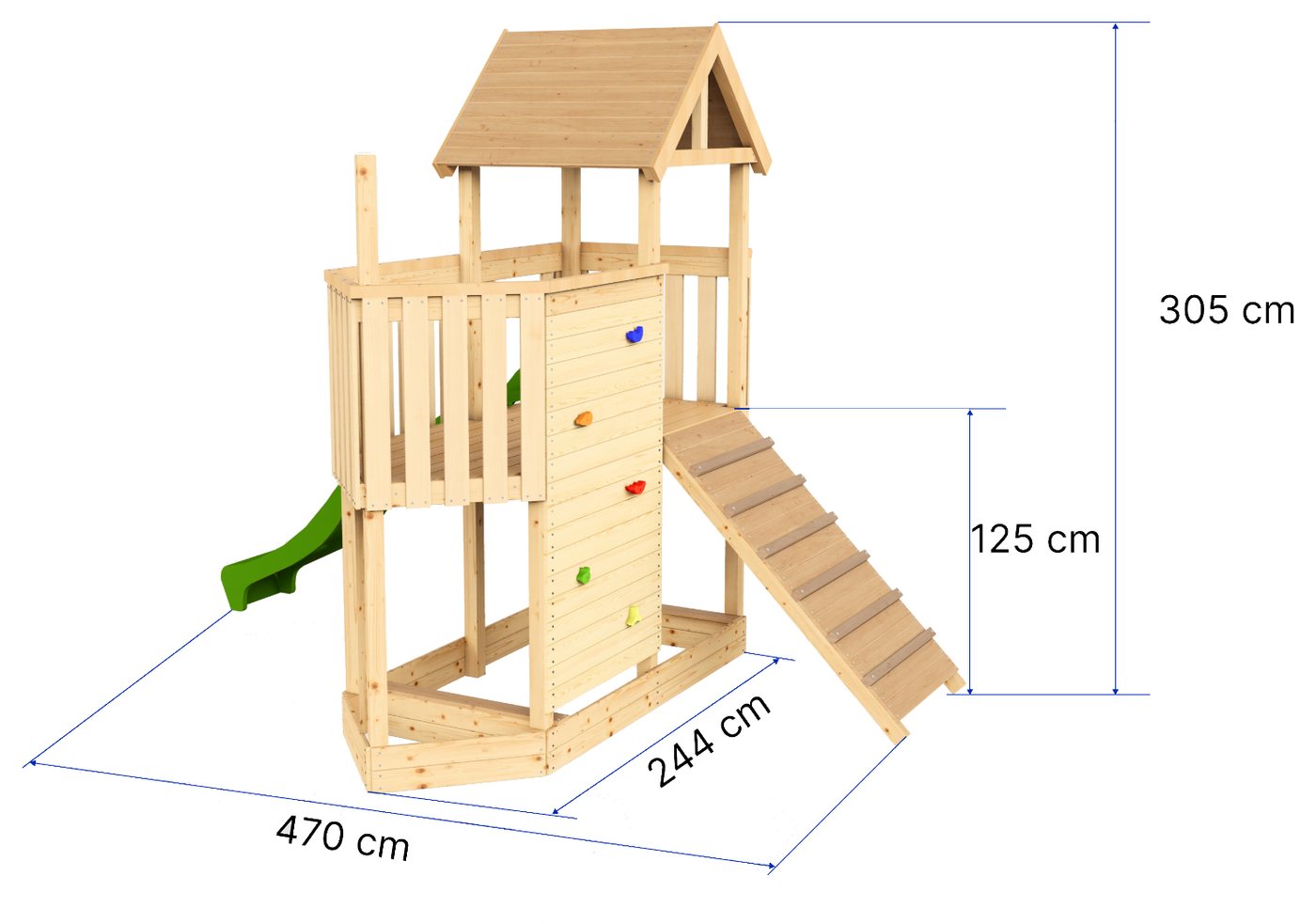
Installation manual, 23 drawings, every part numbered.
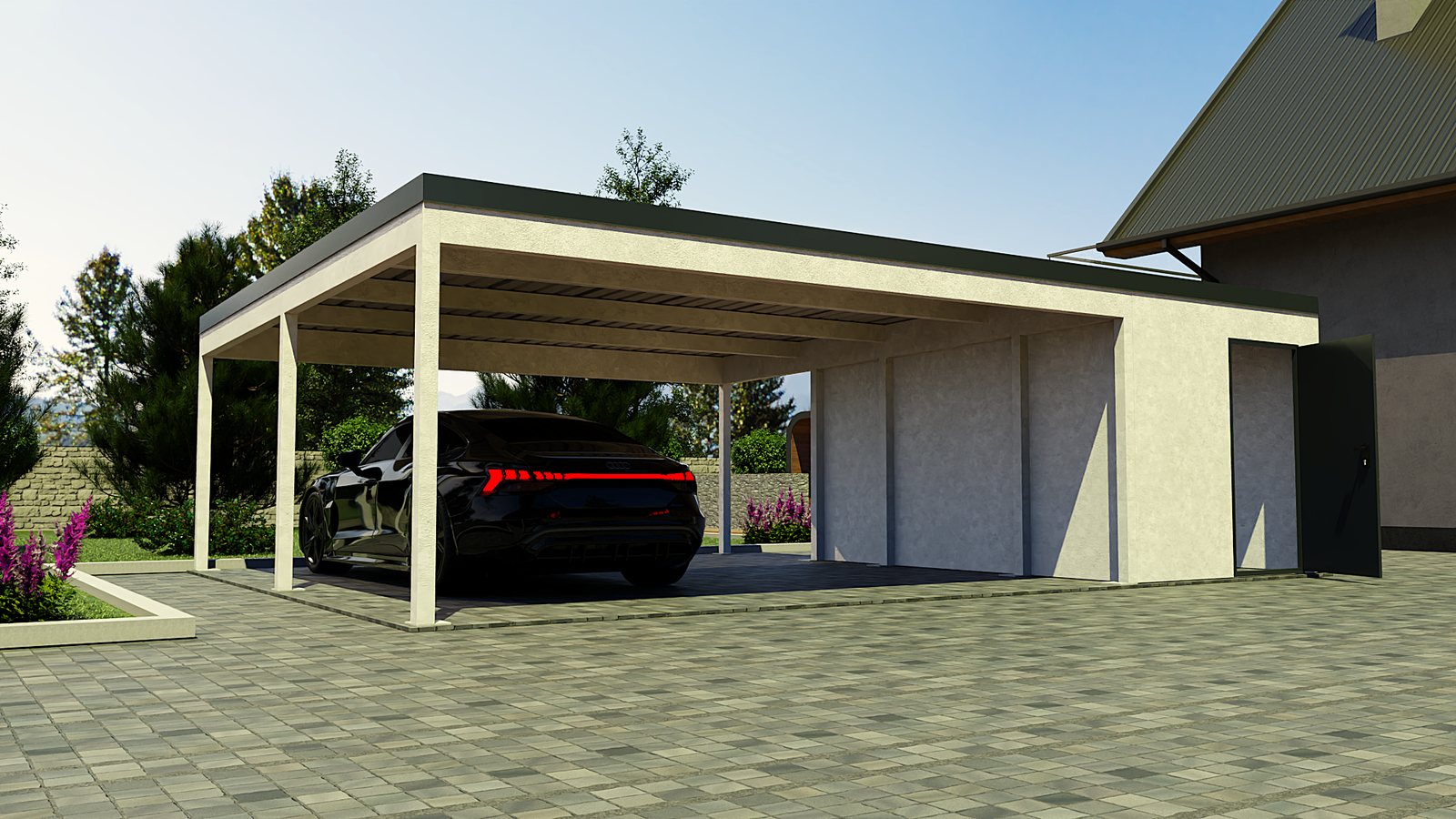
A technical datasheet and a 20-page installation manual.
A 3D model is best. Production drawings or photos with dimensions also work — then we model the product first.
We work in English and Estonian. Because manuals are mostly pictures, another language means translating the captions, not redrawing the steps.
Yes. For playground equipment and similar products we add a safety zone plan showing the clear area around the product.
The steps are made from the model, so after a change in the model the affected pages are updated instead of redrawn.
A browser-based 3D configurator where the buyer builds your product: models, sizes, materials and extras, live price and AR. No app. Built in Estonia.
Web augmented reality for manufacturers: the buyer places your product in their own yard or room at full size, straight from the product page. No app needed.
Production drawings, parts lists (BOM), cutting lists and saw-line lists for timber products, drawn from one 3D model. Every part with its own mark.
You don't need a model, a drawing or a brief. A link to the product page and one sentence about what you'd like is enough. We reply the next business day.